AI headshots for LinkedIn: how to stand out with generated photos
Summary
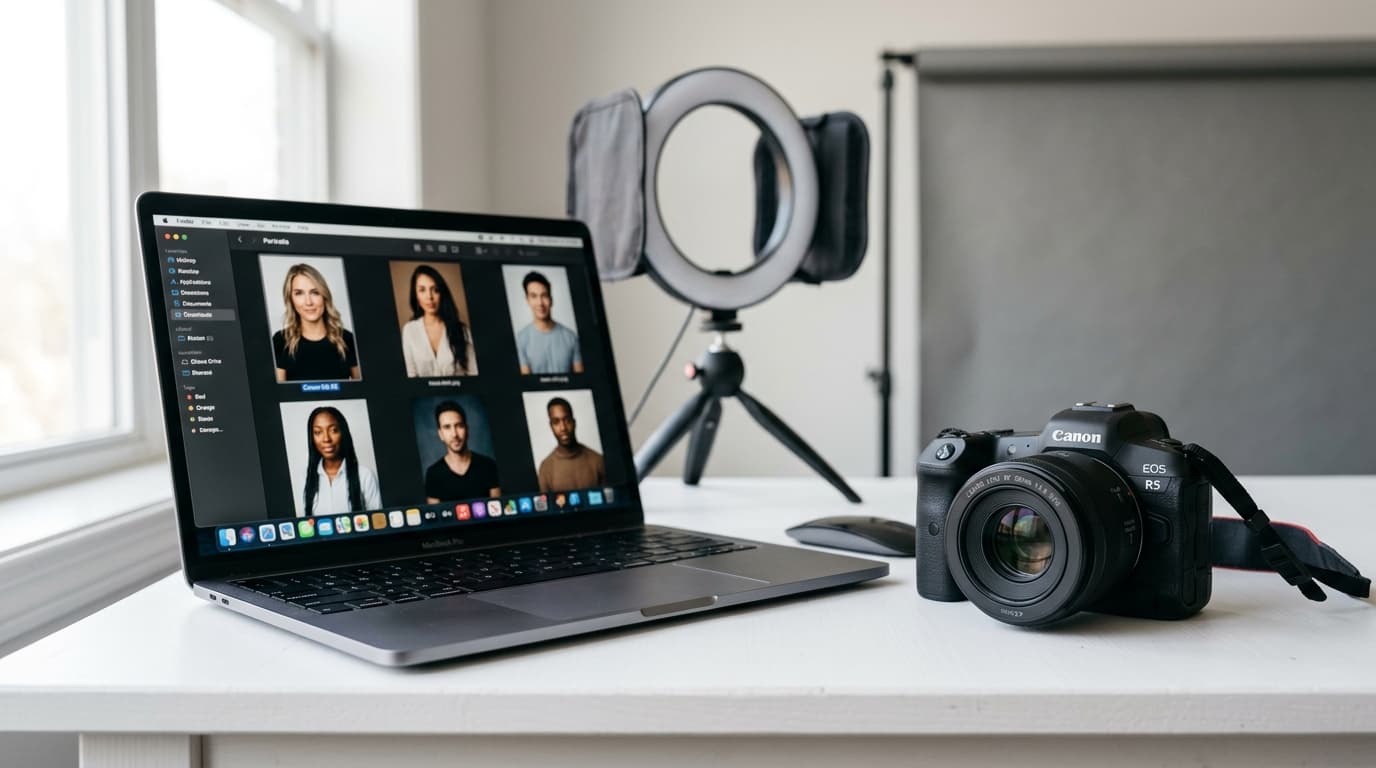
LinkedIn posts with your own photos get up to 3 times more engagement than text-only posts. AI-generated photos give you pro images of yourself for every post without booking a shoot. With tools like Clonio, you upload a few photos and the AI generates images of you in different professional contexts.
If you post on LinkedIn regularly, you already know visual content makes the difference. But there's a problem almost nobody talks about: most pros don't have enough high-quality photos of themselves to pair with their posts. AI-generated photos solve exactly that problem, giving you professional images of yourself for every post without stepping into a photo studio.
Why images matter more than ever on LinkedIn
The numbers don't lie. According to LinkedIn's internal data, posts that include images get twice as many comments as text-only posts. But there's a more interesting wrinkle: when that image includes your face, engagement jumps 3x compared to generic stock photos.
The LinkedIn algorithm favors visual content because it drives more interaction and keeps users on the platform longer. When someone stops to look at your photo, the algorithm reads that pause as an interest signal and distributes your post to more people. It's a virtuous loop: better visual content, more distribution, more reach.
The real problem is that most pros have, at most, a handful of professional photos. Maybe a few from the last corporate shoot or some from an event. But if you post three to five times a week, those photos run out fast. Repeating the same image every two posts not only looks unprofessional, it also weakens the visual impact of your content.
The fix is in AI-generated photos: photorealistic images of yourself, in multiple professional contexts, generated on demand without leaving your house.
What are AI-generated photos for LinkedIn?
The tech behind AI photos works surprisingly simply from the user's side. You upload a few reference photos of your face (more is better) and the AI uses them as a visual reference to generate new images that preserve your real appearance.
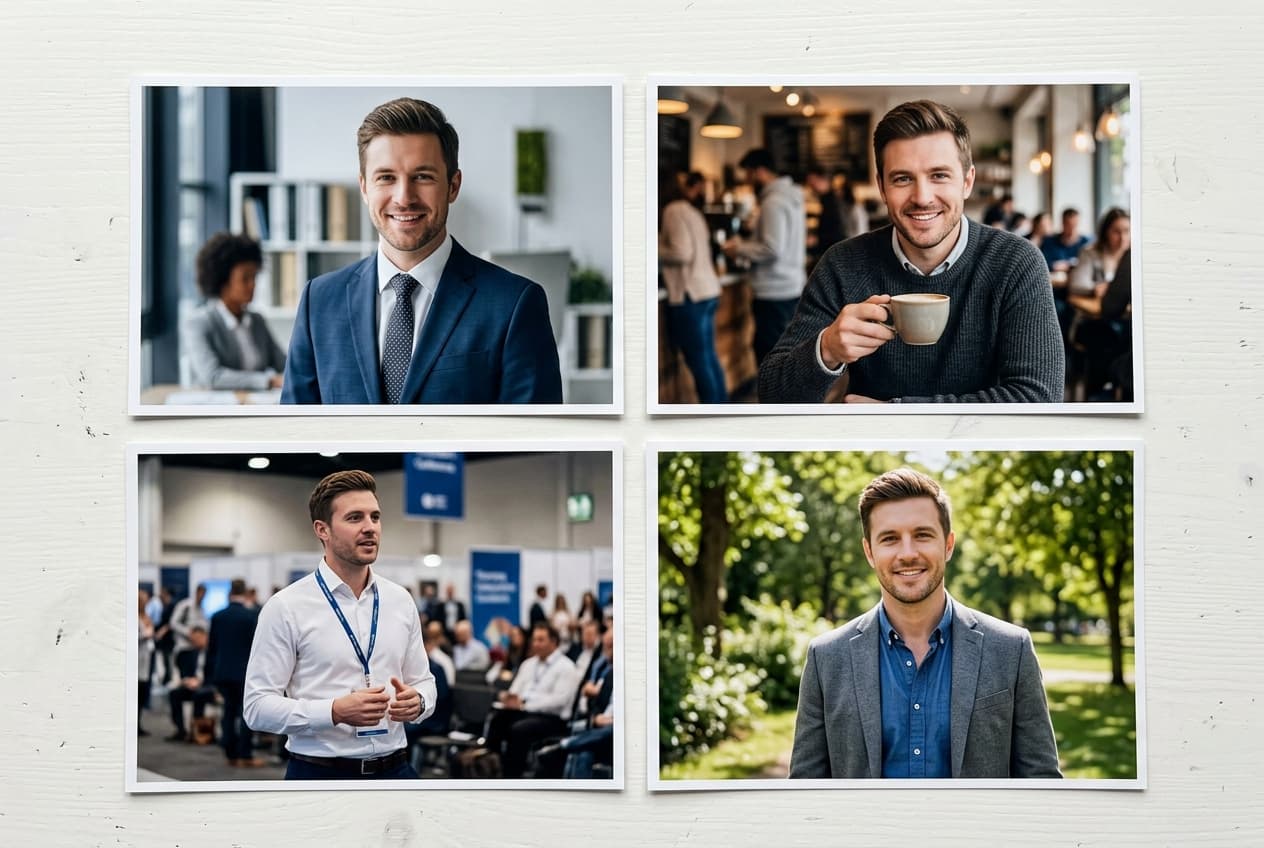
From there, the model can generate completely new images of you in contexts that never existed. Picture a photo of you giving a talk on stage, working focused at your desk, collaborating with a team in a meeting room, or standing confidently in front of an office. All those images look real, but they never happened. No photographer, no studio, no two-hour shoot.
It's important to understand what these photos are NOT. We're not talking about generic AI art or stock images with invented faces. These are photos of you: your face, your presence, your visual identity. That's what makes them so powerful for personal branding on LinkedIn, because your audience sees the real person behind the content.
Types of AI photos that work on LinkedIn
Not all photos serve the same function on LinkedIn. Depending on how you'll use them, you need different styles:
Professional profile photos. The classic corporate headshot, but with the advantage of being able to generate variants with different backgrounds, outfits, and framings. Instead of one profile photo, you can have several and rotate them by context or season. An updated, professional profile photo is the first thing visitors see, and changing it periodically signals an active profile.
Photos for posts.These have the biggest impact on daily engagement. Images of you presenting, working, on a whiteboard explaining a concept, or just in a relaxed professional setting. Every post you publish can carry a fresh, unique image of you, reinforcing your visual presence in your contacts' feed.
Photos for carousels. Carousels are one of the highest-reach formats on LinkedIn, and they work especially well when you appear as the visual anchor of the educational content. Instead of only graphics or text, including your image on the cover and on a few key slides humanizes the content and lifts engagement.
Photos with context. Images of you at events, speaking on stage, in your office, or in meetings. These build a professional narrative around your personal brand and reinforce your positioning as an expert in your space.
What to avoid: overly polished images that look artificial, inconsistent styles across posts, or contexts that have nothing to do with your real professional activity. The key is that AI photos complement your brand, not contradict it.
How to create AI photos for LinkedIn with Clonio
Clonio bakes AI photo generation directly into your LinkedIn content workflow. The process is simple and designed so any professional can use it without technical know-how:
Step 1: Upload reference photos of yourself.The AI needs to see your face to replicate it. The best reference photos are with natural light, your face clearly visible (no sunglasses or hats), and a variety of angles (front, three-quarter, profile). They don't need to be professional; phone photos with good lighting work just fine.
Step 2: Your photos are stored securely. Reference photos are saved in your account and used every time you generate a new image. The AI uses them as a visual base to create images that keep your real appearance in completely new contexts.
Step 3: Generate images for each post. Every time you create a post in Clonio, you can automatically generate a photo of you that complements the content. The AI picks the most fitting visual context based on the topic of your post.
Step 4: Photos drop straight into your posts. No need to download, edit, or upload anything manually. Generated images are added directly to your scheduled post, ready to share on LinkedIn.
Results: the impact of using AI photos in your posts
The data backs up what intuition already says: posts with personal photos drive significantly more engagement than content without an image or with generic photos.
Posts with your photo get up to 3x more engagement than text-only ones. That covers reactions, comments, and shares. But the impact goes beyond vanity metrics: profile views climb significantly when your posts include your face, because people want to know more about the person they keep seeing in their feed.
Brand recognition is another key benefit. When your audience sees your face repeatedly in different professional contexts, they start recognizing you instantly as they scroll. That visual familiarity is incredibly valuable on a platform where thousands of posts fight for attention every day.
Consistency is the multiplier. The same person, in different contexts, post after post, builds a solid, recognizable personal brand. After 30 days posting with your AI photos, your content becomes instantly identifiable in the feed. That compound effect is what turns an occasional LinkedIn presence into a strong personal brand.
AI photos vs real photos vs stock: which one to pick?
The honest answer is each image type has its place. The point is knowing when to use which.
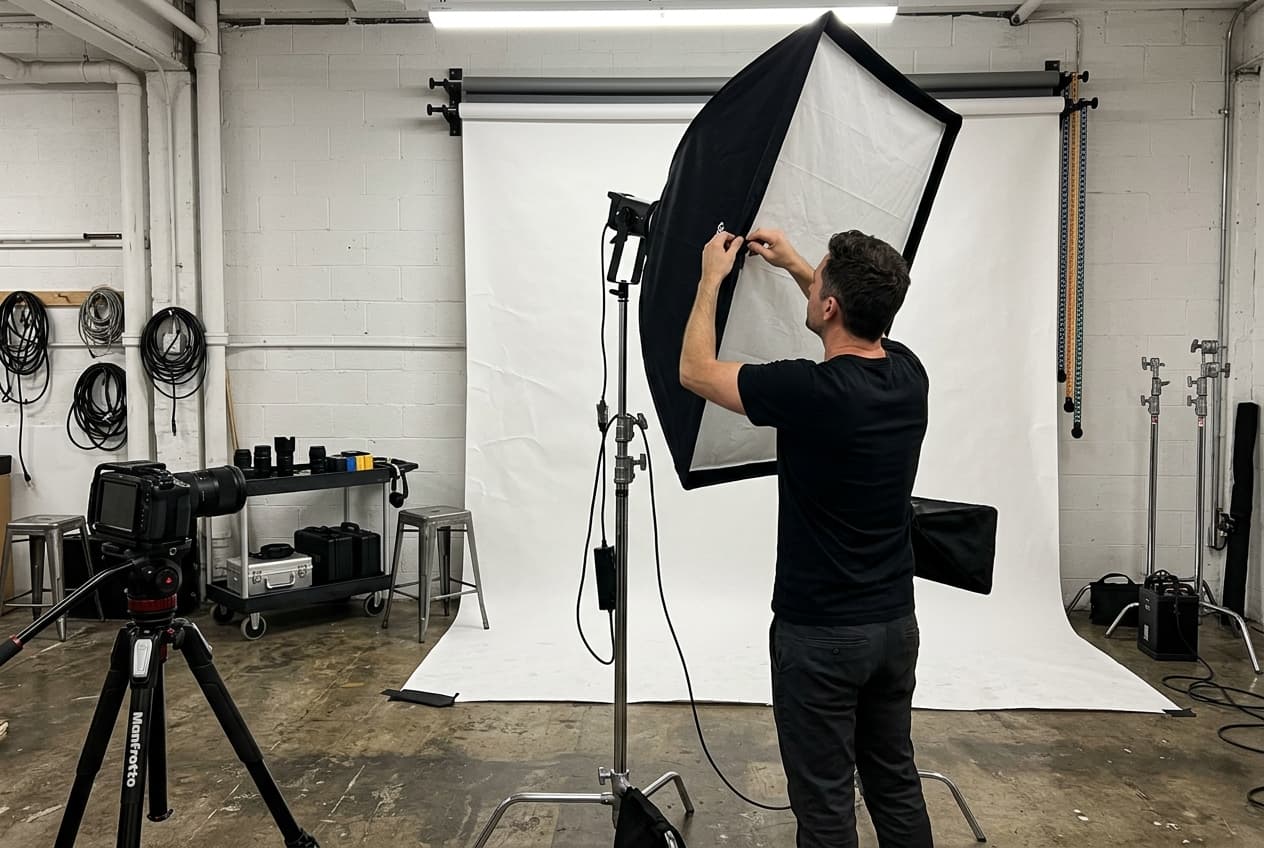
Real photos (professional sessions).Still the gold standard for quality. A good professional shoot captures nuances AI can't yet replicate 100%. The problem is the cost (between €500 and €2,000 per session), the variety limit (you get the photos taken that day and no more), and the logistics of coordinating schedules with photographers. For most pros, one session every six months to a year is the max viable.
Stock photos.Cheap or free and easy to find, but with a fundamental problem: it's not you. Using generic photos from image banks doesn't build personal brand because anyone can use the exact same photo. Your audience doesn't associate you with a stock image. Plus, lots of LinkedIn users now spot stock photos instantly and see them as lower-quality content.
AI-generated photos. They combine the best of both worlds: images of you (your personal brand) with practically unlimited variety (new contexts whenever you want) and a predictable monthly cost (with Clonio). Generation is instant, you don't need to coordinate with anyone, and the images plug directly into your publishing flow.
Our take: combine real photos for special occasions (big events, professional milestones, high-visibility profile updates) with AI-generated photos for daily content. That mix gives you the best of both: max authenticity when it matters most, and visual consistency day to day.
If you're interested in exploring other ways to use AI to create content on LinkedIn, photos are just the start. Combining AI-generated text, personalized images, and smart scheduling is what lets professionals and freelancers keep a constant presence without it eating up hours every day.
Generate AI photos of yourself for every post
Clonio creates ultra-realistic images of you for your LinkedIn posts.
Get started